Ops Brief
A cheap dedicated box belongs in your back room
Cheap metal is usually old metal, which is fine for the work nobody is watching and a poor place to put an account that pays you monthly.
Straight answer first
Buy recent-generation entry Xeons with an honest bundle around them, and use the box for work your clients never see. Cheap dedicated hosting done by trimming the margin is worth having; cheap dedicated hosting done by dusting off a retired rack is a failure you have volunteered to inherit.
This page sorts the jobs into two lists: what a budget box is genuinely good at inside an agency or a hosting business, and what should never go near it. Then the hardware questions worth asking, and what we would actually put on the order.
Written by the Hosting Seller staff · Checked 4 August 2026
24/7
Answered by people, for you and them
1-click
WordPress setup in every account
Free
Certificates on every site you host
Daily
Backups across every account
Most of the budget dedicated market is a depreciation market: machines past their enterprise refresh date, sold on cheaply. That is excellent for forgiving workloads and risky for anything a client is paying you to keep up.
The distinction matters more to a reseller than to an end user, because when the drive fails it is your name on the incident. Put the box where a failure costs you an afternoon rather than an account.
The jobs a budget box is genuinely good at
Backup targets, build runners, staging fleets, batch processing, internal tooling and game servers. Anything that wants dedicated resources, tolerates older hardware, and can be rebuilt from a script if it disappears.
For an agency the obvious one is a second copy of everything. A cheap box holding an independent set of backups, separate from the platform they came from, is the least glamorous purchase you will make and the one you will be most grateful for.
The second is staging. A dozen client sites cloned onto one inexpensive machine gives you somewhere to test a plugin update properly before it touches a live account.
What must never go on it
Revenue-critical client sites. Databases under load. Anything with an uptime figure in a contract you signed. Anything whose loss would need explaining to somebody who is paying you.
The failure mode is not dramatic. Ageing drives get slow before they get dead, and I/O-sensitive workloads on decade-old hardware turn the money you saved into latency that the client experiences and you have to account for.
If you would not be comfortable telling a client which machine their site is on, that is your answer.
The questions to ask before the order
Ask what generation the hardware is, plainly, and treat evasion as an answer. Ask what is included: dedicated IPv4, meaningful bandwidth, a control panel, and a stated commitment on replacing failed components.
Whatever is missing from that list is the real price. A cheap box with no remote hands policy and no replacement commitment is not cheap; it is an unbudgeted afternoon waiting for a convenient moment to happen.
Then ask what a failed drive costs you in hours, not in pounds. That is the figure that decides where the box sits in your operation.
What we would put on the order
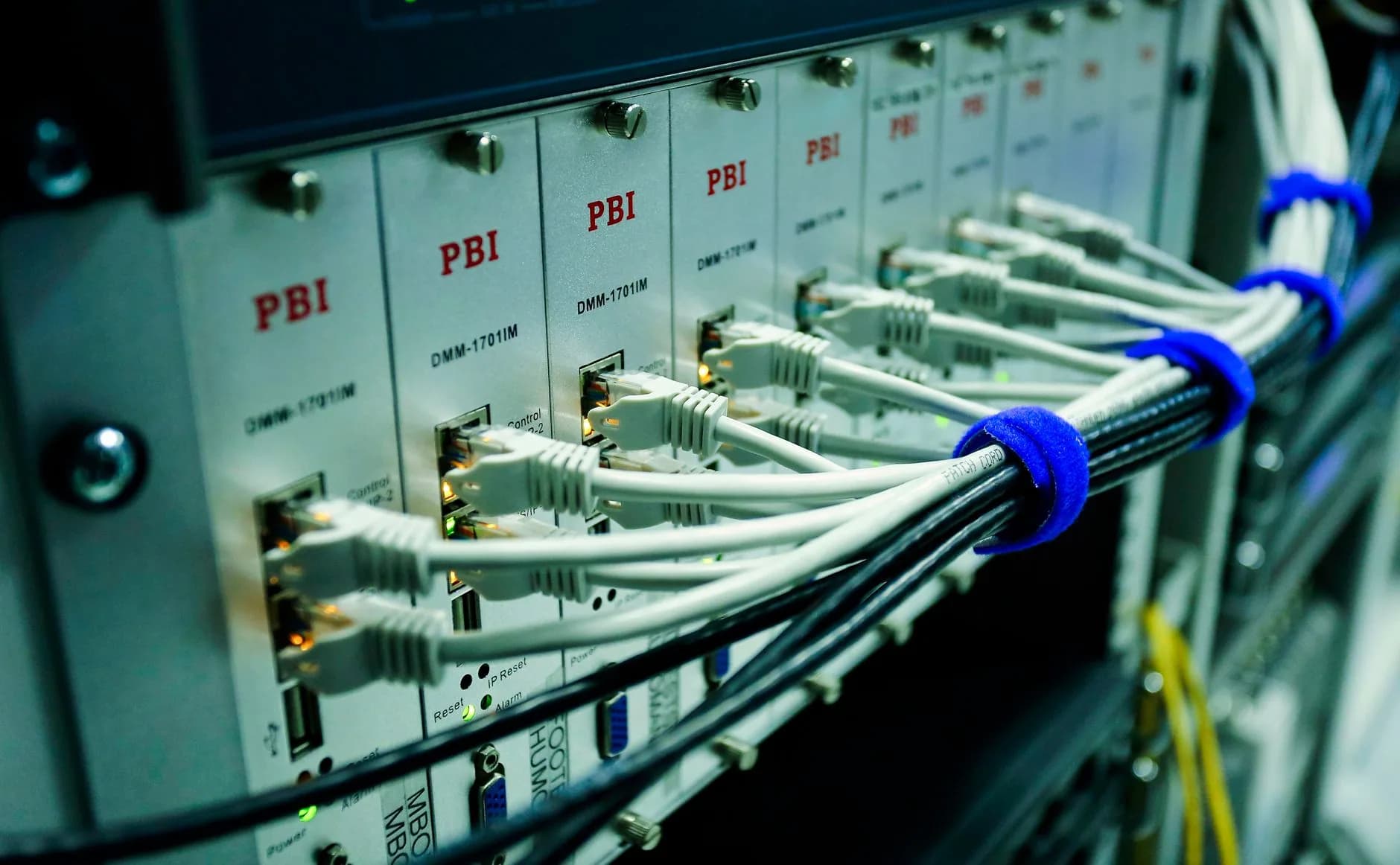
The plan for this is the Xeon Dedicated. Recent-generation entry hardware with the bundle stated rather than assembled from extras, the certificate and the move-in already in the price, and a renewal that matches what you ordered at.
Daily backups run on every plan and restores are yours to run from the panel, which is exactly the property you want on a machine doing back-room work.
It sits on the same shelf as the shared and VPS ranges, so a workload that outgrows the box or turns out to belong in front of clients can move without a change of supplier.
The advice that costs us a sale
Telling you to keep client sites off a budget box is not the pitch that sells the most metal. It is the one that keeps you a customer after the first drive failure, which we prefer.
Mailboxes on your own domain are part of the plan, never an add-on sold back to you at checkout.
- Hardware generation stated, not implied
- The bundle printed: IP, bandwidth, panel
- Daily backups with restores you run yourself
- One shelf, so a workload can move without a new supplier
Why Hosting Seller
On every plan, as standard
The plan behind this page
The Xeon Dedicated is recent-generation entry hardware with the bundle stated up front rather than assembled from paid extras.
A bundle you can quote from
IP address, bandwidth and panel included, so the order price is the operating price rather than a starting point.
Backups that come back
Daily backups on every plan with restores you run yourself from the panel, which is the whole point of a back-room machine.
One shelf, every size
Shared, VPS and dedicated under one account, so a workload can move up or across without changing supplier.
A supplier you can name
IGI Security Services Ltd, registered in England and Wales, with a public record behind the hardware you are ordering.
Margin that survives renewal
The order price is the renewal price, so a back-room machine does not quietly become an expensive one.
First Steps
From choosing to live
- 1
Decide which list the job is on
Forgiving and invisible, or client-facing and contractual. A budget box is excellent at the first list and a liability on the second.
- 2
Price the bundle, not the box
Dedicated IPv4, bandwidth, a panel and a hardware replacement commitment. Whatever is missing from that list is the actual price of the machine.
- 3
Rehearse the rebuild
Anything you put on cheap metal should be reproducible from a script. Test that once, while nothing is broken, and the failure becomes an afternoon rather than an incident.
In the Box
Packed with every plan
- A dedicated IPv4 address included with the machine
- A control panel included rather than licensed separately
- NVMe SSD storage on every shelf, not just the top one
- DDoS filtering handled out at the network edge
- Daily backups with restores you run yourself
- Mailboxes that carry your own domain name
- Nothing added at setup, no joining fee ever
- Staging copies so client updates are tested away from live accounts
- The renewal price on the tag matches the order price
- Upgrades apply to the account in place, with no move between plans
Across the Counter
Things people ask us all the time
What should a budget box actually run in an agency?
Backup targets, staging fleets, build runners, batch jobs and internal tooling. Work that wants dedicated resources, forgives older hardware and can be rebuilt from a script. Keep client production and anything with a contractual uptime figure on newer metal.
Which items in a dedicated bundle are the real price?
A dedicated IPv4 address, meaningful bandwidth, a control panel, and a stated commitment on replacing failed hardware. Anything missing from that list is the real price of the machine, and it is usually discovered at the least convenient moment.
Who carries the risk when a drive fails on a cheap box?
You do, in front of whoever is depending on it. That is the whole argument for keeping the box behind the client-facing line: a failure should cost you an afternoon of rebuilding rather than an account and an explanation.
Can I trial a budget box before committing to it?
Not through the guarantee. Dedicated servers and VPS plans are built to order the moment you pay, so they sit outside it, as do domain registrations because the registry takes that fee immediately. Shared, business, WordPress and WooCommerce hosting carry thirty days and reseller hosting carries seven. For metal, the sensible trial is a month of back-room work before you trust it with anything.
Read next
DV vs OV vs EV SSL Certificates
How much identity checking a client's certificate actually needs, and who pays for the difference.
WordPress Hosting for Small Business
The client type that keeps a small book alive, and what they expect the hosting to do quietly.
Dedicated Servers
Bare metal, a control panel included, and bundles priced plainly.
Reseller Hosting
White-label hosting with WHM: sell under your own name and bill monthly.
Moving your site to another host? Start with this checklist.
A step-by-step order of work for a move your visitors never spot: which files to copy first, how to carry email across without losing one message, the right moment to repoint DNS, and the two mistakes behind nearly every hour of downtime people ring us about.
Put the metal where a failure is survivable.
Bare metal with the bundle stated, a panel included, and daily backups you can restore yourself.
See Dedicated Servers plans