AI Does The Draft
AI website builder — describe the site and a draft comes back
One sentence about the business is enough. The AI writes the copy, arranges the layout and picks the images, then leaves you to adjust it and publish with a click.
Free
Already inside every hosting price
Minutes
Between your description and a first draft
Drag & drop
Editing by pointing and clicking
1-click
Puts the site online
Why Build This Way
A whole site, without the blank page
The builder does the heavy lifting from first draft to launch, which leaves your attention where it belongs — on the business.

It writes the words
Say what the business does and back come headlines, sections and calls to action written in your register. That is a running start, not a cursor blinking at you on an empty page.
It lays out the page
What arrives is a whole structure: hero, features, pricing, contact. It gets arranged around your idea rather than your words being tipped into a stock template.
You take it from there
Click on any part of the page to reword it, recolour it or shift it somewhere else. Whatever sits on screen is what goes live. No code is involved at all.
One click puts it online
Push the finished site onto our NVMe servers as soon as it is ready. Point a domain at it and you are trading. Nothing to export, no separate deployment step to remember.
Fits whatever screen it meets
Pages the AI builds adjust themselves, which means they read properly on phones, on tablets and on desktop monitors without you touching a single setting.
Nothing extra on the bill
Every hosting plan carries the builder, and it costs nothing extra. There's no per-site charge, no paywall thrown across the editor, and no fee for pressing publish.
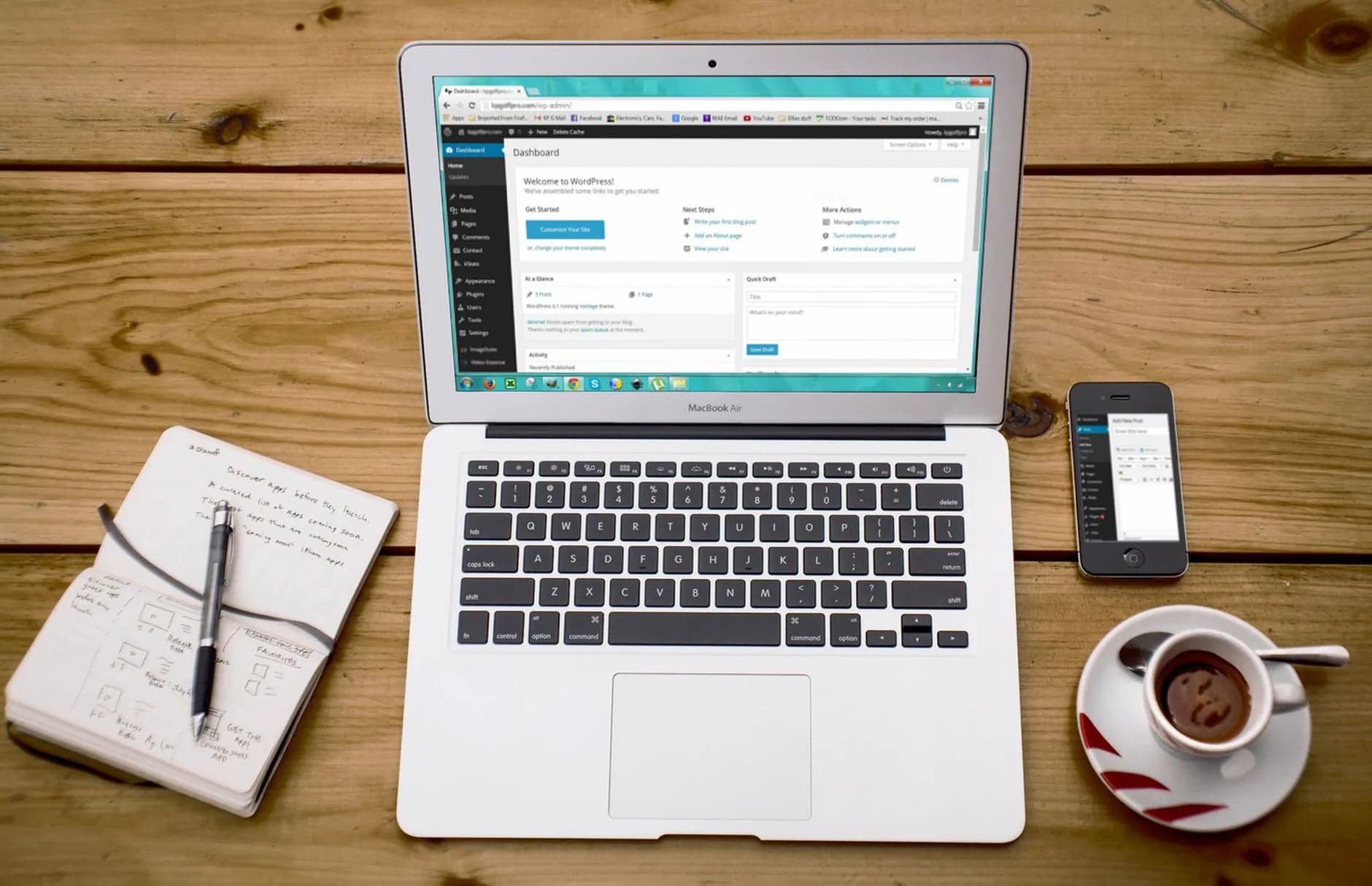
Copy & Layout
Writing and layout both land at the same moment
Tell the builder what the business does and who it serves. Copy for each section gets written, and the whole page is assembled: hero, benefits, calls to action, the rest of it. Everything is styled around your idea, so what opens in front of you is a working page instead of a blank one.
- Headlines written in your register
- A full page, section by section
- Matching images dropped in
- Redo any piece in seconds

Your Turn
Shape the page by clicking, not coding
Inside the visual editor you have the run of the page, with never a code file in sight. Rewrite a headline. Push your own colours through it, drop in a section, reorder the lot. Every change appears at once and looks exactly as a visitor will see it, which leaves launch day free of surprises.
- Click any element to change it
- Adjust colors, fonts and images
- Move or remove sections at will
- The preview is exactly what publishes

Going Live
One click and it sits on quick hosting
Once the site looks how you want it, a single click handles the remainder: it lands on our NVMe hosting with a free SSL certificate attached. Point your domain at it and you are online within moments. No file exports, no separate deployment stage. Want something different next month? Edit the page and republish.
- Live on NVMe hosting immediately
- Free SSL from the first visitor
- Point your own domain at it
- Change it and republish anytime
All Of It Included
Everything the launch takes
Nothing further to buy — the whole builder comes inside every hosting plan.
- Copy drafted section by section
- Layouts assembled to fit any screen
- A point-and-drag visual editor
- Ready-made section blocks to add
- Previews for phone, tablet and desktop
- One-click publishing to your hosting
- A free SSL certificate on the live site
- Attach a domain you already own
- Page structure written with search in mind
- Edit and republish as often as you like
Three Moves
From idea to live site in three moves

- 1
Describe the site
One or two sentences will do. What the business does, the look you have in your head, which pages you want. Brief over, and that is genuinely all.
- 2
Let it draft
Moments later the full draft sits waiting: words, layout, and images picked to suit them. Don't like a section? Ask for another, as many times as you fancy.
- 3
Tidy it up and publish
Tune the wording, the colours and the sections inside the visual editor, then put it live with one click. Change your mind later and come back to it whenever.
FAQ
Questions people ask about the AI builder
So what does the AI website builder really do?
Feed it a short description of your business and it hands back a complete website you can edit: copy written, layout arranged, images chosen to match. Nobody has to sit there staring at an empty page.
Do I need design or coding skills?
Neither one. Describe what you want in ordinary language, then everything from that moment on is pointing and clicking: reword a heading, swap the colours, move a section. The code is handled behind the scenes.
Is it genuinely free?
Yes. Every hosting plan carries it, and the cost is nothing on top. No separate subscription for the builder, nothing to pay before the editor unlocks, no fee at the point of publishing. Your hosting price has already covered the lot.
How fast can I have something live?
Minutes, for the first full draft. After that you can publish immediately, or take as long as you want fiddling with the wording, the images and the layout before a single visitor sees it.
Can I change what the AI produced?
All of it. What lands in front of you is a starting point rather than a fixed template. Headings, paragraphs, colours, whole sections: each one can be edited in the visual editor. Ask the AI for a fresh attempt at any part that isn't working for you.
Can I use a domain I already own?
Yes. Hook up a domain you own already, or register a fresh one through us, and the finished site answers on that address with a free SSL certificate over the top.
Will it read properly on a phone?
It will. Layouts come out of the builder responsive to screen size from the very start, so pages reflow tidily on phones and on tablets. Check every size yourself before publishing.
Your AI-built site can go live today.
Take a hosting plan and the AI builder comes with it at no charge — describe the idea and you could be live before lunch.
Choose a Hosting PlanAnswer a few questions about the business and the builder produces pages, sections and starter copy. It is a first draft you can argue with, not a finished site you are stuck with. It runs on NVMe arrays with LiteSpeed in front, in data centres with conditioned power and more than one road to the internet.
A good fit for founders who need a site before the week is out. The certificate is free, the move is free, the backups run themselves, and support answers in minutes whatever the clock says.
Describe the site, then edit what it makes
Say what you do and who you sell to; the builder assembles a layout, writes a first pass of the text and picks images to sit with it. Everything it makes stays editable afterwards in the same drag-and-drop editor, so you keep the useful parts and rewrite the rest.
The hardware does the heavy lifting: 100% NVMe storage, LiteSpeed serving over HTTP/2, and a 99.9% uptime SLA our monitoring desk answers for. Quick pages keep visitors and search engines equally content.
What it costs to skip the build
There is no second price waiting in year two. What the tag says is what the invoice says, this term and the next, and any introductory rate carries its renewal figure beside it. Every hosting plan carries a 30-day money-back guarantee, so trying us out costs you an afternoon at worst.
It arrives with the hosting rather than as an AI subscription on the side. A domain, hosting, SSL and the builder together cost less than a fortnight of a designer's time.

How the AI builder works
The generated site publishes onto the same NVMe and LiteSpeed platform as everything else, with free SSL and daily backups behind it. Nothing about the AI part changes the hosting underneath.
Nobody here waits for a customer to report an outage. Monitoring watches the fleet minute by minute and wakes an engineer first, so you usually hear about the fix rather than the fault.
- AI-generated layout, sections and starter copy
- Full manual editing once it has finished
- Free SSL fitted and renewed automatically
- Our London datacentre with automatic failover
Worth Knowing
What else you get in the box
A draft inside minutes
The blank page is the hard part. Let the builder fill it, then make it sound like you.
Nothing holding you here
Standard backups and standard panels mean you can leave whenever you like. Most people simply do not.
Quick from the first request
Your site sits on NVMe storage behind LiteSpeed caching — quick before you touch a single setting.
HTTPS on the house
Certificates are issued and renewed automatically on every domain, and never appear on an invoice.
The move is on us
Hand over your current login and the site arrives here free — files, databases and DNS included.
A copy taken every day
A fresh copy every 24 hours, put back in a couple of clicks from the panel.
Starting Out
From order to live in three steps
- 1
Compare the tiers
Choose a plan; the builder is on every one of them.
- 2
Connect the domain
Take a domain from $2.99 or bring one you already own.
- 3
Publish
Describe the business, read what it builds, publish when it sounds right.
On the Shelf
Also included, no extra charge
- Every hosting plan comes with 30 days to change your mind
- AI builder included with the hosting
- Everything it generates stays editable
- Support answered by people, 24 hours a day
- NVMe storage as standard, not as an upgrade
- Renews at the figure you signed up on
- LiteSpeed servers with HTTP/2 switched on
- DDoS filtering at the network edge
Still Asking
Other questions that keep coming up
Will my site look like everybody else's?
Only if you leave it alone. The generated layout is a starting point — change the sections, the colours, the images and the words and the result is yours. Read the text before you publish, too; the builder writes well but it does not know your business the way you do.
How quickly can I get started with AI website builder?
You will be logging into the panel within minutes. If your site lives somewhere else today, we copy it here first, test it, and only then move the DNS.
Is there a charge for certificates?
Free, fitted and self-renewing. The only reasons to buy a certificate here are a wildcard or a validated seal for procurement.
What if AI website builder is not the right fit?
There is a 30-day money-back guarantee on the plan. Ask inside the month and you get your money back: no exit interview, and nobody transferring you to a team whose job is talking you out of it.
Read next
Website Builder
Drag the blocks, publish, done inside an hour.
Web Hosting
cPanel on NVMe from $2.42/mo, SSL and the move included.
Domain Names
Names from $2.99 with the renewal price on the tag.
Pulled from the Resource Library
Website Builder vs WordPress
Where builders do well, and where WordPress wins.
Build a Landing Page That Converts
What an AI draft will still need from you.
Hosting for Software Startups
Getting the marketing site out while you build the product.