Dedicated Cloud
A whole machine, rather than a slice of one
Single-tenant bare metal with root access and 100 TB of traffic. Racked, migrated and looked after by people you can actually reach. Nothing charged for setup.
$149.99
A month, to start
100%
Of the machine is yours
100 TB
Traffic included each month
$0
Due at setup
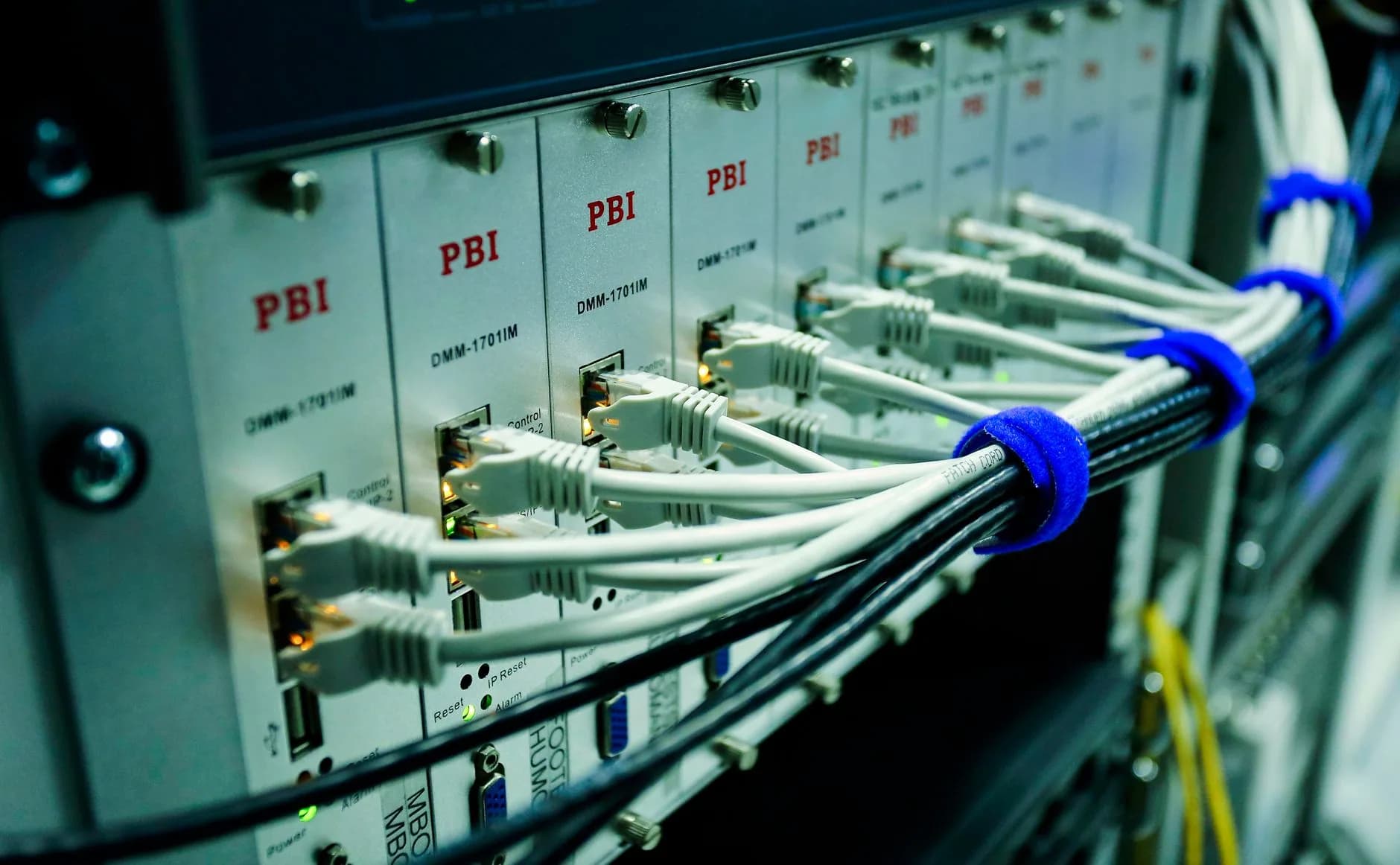
Single-Tenant Power
Every core on that invoice belongs to you
Shared plans and virtual servers carve one machine up between many customers. Dedicated works the opposite way round. The box is yours, the ledger carries a single name, and every core, every gigabyte of memory and every disk cycle goes to your workload.
Performance therefore becomes something you can plan around. No other customer's busy afternoon slows you down. Nothing here is oversold, and the capacity you ordered is the capacity a benchmark will show.
- CPU and memory split with nobody
- Performance that repeats
- Physically apart from other customers
- Capacity waiting whenever you call on it
Why Bare-Metal
Physical hardware, under your rules

Nothing on it but your work
There is no second customer on the box. Nothing splits the cycles, and no neighbour draws down memory you paid for.
Root, handed over on day one
Root lands with you at handover. Load whatever stack you like, tune the kernel, own every layer right down.
100 TB of traffic on the ticket
Serve as much as you please without ever glancing at a meter. On the invoice, a busy month reads exactly like a quiet one.
Xeon cores, reserved
Intel Xeon chips, with genuine threads and clock cycles reserved for you, keep databases and render queues moving along.
Fast disks or roomy disks
Choose NVMe where latency is the trouble, or paired larger drives where you simply need somewhere to put the lot.
A perimeter you draw yourself
Separating the hardware physically buys steady performance, plus a security boundary that answers to your rules and nobody else's.

Root & Bandwidth
Root access, plus 100 TB of traffic
Root control begins the moment the machine changes hands. Install any operating system, compile a kernel of your own, run containers, wire services together however you please. Nothing on the box is off-limits.
Each plan carries 100 TB of traffic a month, which means a viral week, or a large backup run, never becomes an overage line on the invoice. Push whatever the port will carry. The bill reads the same either way.
- Root from your first login
- Any OS, kernel or stack you fancy
- 100 TB of traffic in the price
- A dedicated IPv4 address
Plans
The price, plainly
A full Xeon machine with root access and 100 TB of traffic, nothing charged for setup. Pick the build that matches the job.
Xeon E-2274G
One physical machine, and nobody else on it
$149.99/mo
$1,800 today · billed annually
the renewal price is the same
- CPU
- Xeon E-2274G · 4c/8t
- RAM
- 32 GB
- Storage
- 2×4 TB HDD or 2×960 GB NVMe
- Bandwidth
- 100 TB/mo @ 500 Mbps
- Root access, with nothing fenced off
- The Hestia control panel is already installed
- We install AlmaLinux 9 unless you ask for a different distro
- One dedicated IPv4 address
- Stepping up from shared hosting? We carry you over, no charge
- Free setup, and nothing due from you before day one
- Nothing shared — the machine is yours alone
- DDoS filtering sits in front of it
- 100 TB of bandwidth a month
- Two drives, ready for RAID
- Hardware replacement is covered
- Remote reboot and a rescue mode
- A 99.9% uptime guarantee behind it
Built For
Work that has outgrown a shared machine

Databases with an appetite
Hand Postgres, MySQL or a self-hosted warehouse every scrap of memory and I/O the machine holds.
Software with rules attached
Park compliance-bound applications on hardware nobody else lays a finger on, with root control over every setting.
Stores and platforms under load
Reserved cores carry the busy shops, the SaaS products, the APIs. Traffic allowance sitting behind them runs to 100 TB.

Free Migration
We do the moving, and it costs you nothing
Moving to bare metal ought not to cost you a weekend spent copying files by hand. Our team runs the migration: sites, databases, mail, configuration, all of it. We book the work for a quiet hour so your visitors hardly notice.
Everything gets rebuilt on the new machine and tested before a single thing changes. The switch waits until you have looked over the copy and said yes. No contract to sign, no migration fee.
- No charge to leave shared hosting
- Sites, databases and mail all included
- Booked for a window that suits you
- Checked over before the switch
How It Works
From order to live in three steps

- 1
Pick the build
Begin with a Xeon configuration sized to the work: cores, memory and disks laid out for the job actually in front of you.
- 2
We rack it and load it
We rack the machine, put AlmaLinux 9 and the Hestia panel on it, then hand it across ready to run.
- 3
We move your data, you go live
Sites and data come across at no charge. After that root belongs to you, and the machine is open for business.
Included
Written on the ticket of every machine
- Root access, no asterisk
- One bare-metal machine, held for you
- 100 TB of monthly traffic
- Your own IPv4 address
- Hestia control panel at no cost
- AlmaLinux 9, or ask for another distro
- A free move off your current shared plan
- Nothing added for setup
- NVMe or larger disks, your choice
- People on support at any hour
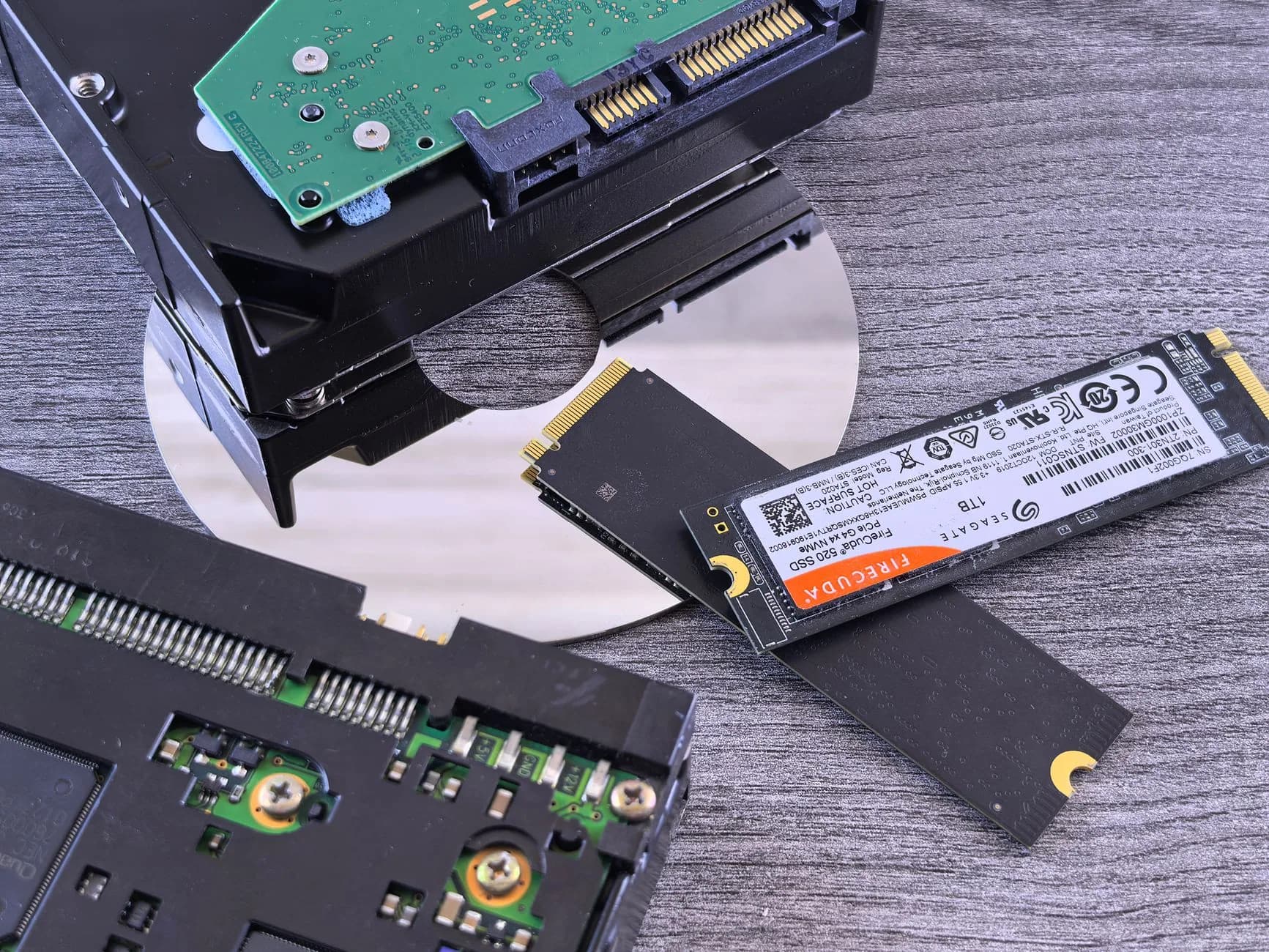
Performance
Speed that holds up once the load lands
Nobody else shares the hardware, so throughput refuses to sag as demand climbs. Xeon cores and NVMe storage let databases, render jobs and analytics pipelines run flat out rather than queue behind somebody else's work.
There lies the difference between renting part of a machine and taking all of it. Whatever numbers you benchmark on day one are the numbers you keep afterwards.
- Xeon cores set aside for you
- NVMe storage for low-latency work
- CPU and memory never oversold
- The same figures at noon and at 3am
Support
You run the box. Everything else is ours.

The metal is our job
The racks, the uplinks and the drives are ours to look after. Should a physical part fail, engineers are on it whatever the hour.
People, not scripts
Tickets and email get answered by real staff whenever you write in. No bot sits between you and a reply.
A panel already installed
Hestia goes on before handover, at no extra cost, which lets you manage sites and users without ever opening a terminal.
FAQ
Questions about dedicated machines
Who administers the server?
You do. Dedicated servers here are self-managed with full root access, and that is precisely what holds the price down while handing you the last word on the software stack: what gets installed, how it is configured, when it is updated. So that your first hours are not spent staring at a bare prompt, every machine ships with the free Hestia control panel already in place, giving you a web interface for sites, mail, DNS and databases from first boot. Our side of the arrangement is everything underneath your operating system: the physical hardware, the network, power and connectivity, and any platform-level fault, watched and supported 24/7. Day-to-day running of the OS, hardening applications, adding users and tuning services all stay with you, though our team still answers the usual questions and steers you toward a fix. Would rather not touch the OS at all? A panel such as cPanel automates most of that work for you.
Which operating systems can I have?
AlmaLinux 9 ships as the default and covers most workloads: stable, free, enterprise-grade Linux, binary-compatible with Red Hat Enterprise Linux, so anything built for RHEL or CentOS runs on it without a single change. Prefer something else? Ubuntu LTS, Debian and Rocky Linux sit among the other major distributions we can supply on request, and with full root access the operating system can be shaped to whatever your applications expect of it. On the panel side, Hestia arrives pre-installed and costs nothing, though plenty of people run the box with no panel whatsoever and manage services straight from the shell. You can also add cPanel under its own licence if that is the environment you and your clients already know. Tell us which OS and which panel you want at the point of ordering, and the machine is handed over ready to use. Nobody should spend their first day reinstalling.
How soon is the server handed over?
Normally within 24 hours of your payment clearing, and frequently a good deal quicker. This is not the instant switch-on you get with shared hosting, because actual hardware is being prepared for you and nobody else. Nor do you receive a blank box: your chosen operating system and control panel are installed, the network is configured, and the whole thing sits ready for a first login, so you can begin deploying rather than sitting through installers. Got particular requirements — a specific distribution, a partition layout, a certain panel? Put it on the order and we build the machine that way from the outset. Should anything in the initial build not match what you asked for, our team corrects it during onboarding. From then on, hardware, network and platform support carry on around the clock for as long as the server is yours.
Take a whole machine of your own.
One tenant, root access and 100 TB of traffic — with the migration free and nothing charged for setup.
Build Your ServerShared platforms are fine until a workload needs guarantees. A dedicated cloud environment reserves compute, memory and NVMe storage for you alone, and nobody else can draw on it. Underneath sits NVMe storage, LiteSpeed caching and a 99.9% uptime target we put in writing rather than in a brochure.
Written for businesses that want reserved, private capacity. Every plan carries free SSL, a free transfer, daily backups and 30 days to change your mind about any hosting you buy.
Private capacity with your name on it
Resources are pinned to your environment rather than pooled, so throughput does not wander when somebody else has a busy afternoon. Create instances inside it, resize them as projects change, keep them on a private network, and take root wherever you want it.
Underneath, every environment gets identical treatment — NVMe drives instead of spinning disks, LiteSpeed instead of a plain web server, and a 99.9% uptime figure written into the terms.
What reserving resources costs
Billing ought to be boring: one figure, stated up front, repeated at renewal, with promotions marked plainly instead of buried in a footnote. Every hosting plan carries a 30-day money-back guarantee, so trying us out costs you an afternoon at worst.
You pay for the capacity you reserve, stated up front and fixed for the term. It is the middle ground between a VPS you will outgrow and a rack of dedicated machines you would rather not buy yet.
How the private environment is built
The environment runs on enterprise hosts in our London datacentre, with redundant power, multiple network paths and automatic failover. Monitoring is ours around the clock; everything running inside is yours.
The unglamorous work — patching, monitoring, hardware replacement, filtering — is in the price and done by us. That is most of what you are actually buying.
- Compute and memory reserved, never pooled
- Private networking between your instances
- DDoS filtering at the network edge
- Patching handled by our own engineers
Worth Knowing
What else you get in the box
Capacity that is yours to spend
Reserve once, then carve instances out of it as projects come and go. No renegotiation every time.
Transfers cost nothing
Our team brings your existing environment across for nothing, usually within a day.
Yesterday is always there
Daily snapshots run on their own, so a bad update costs you minutes instead of data.
Someone at the counter
The queue is staffed by engineers around the clock, and answers usually arrive within 15 minutes.
Same price next year
Plans renew at the figure you joined on, with no second price waiting in year two.
99.9% uptime, in writing
Redundant our London datacentre, automatic failover and monitoring that pages an engineer before you notice.
Starting Out
From order to live in three steps
- 1
Choose your tier
Tell us the compute, memory and storage to set aside.
- 2
Bring your domain
We build the environment and hand over the console.
- 3
Open for business
Create instances inside it; our engineers move existing workloads in for free.
On the Shelf
Also included, no extra charge
- Every hosting plan comes with 30 days to change your mind
- Guaranteed resources reserved in your name
- Automatic failover across redundant hosts
- Automatic daily backups on every plan
- a 99.9% uptime target credited against the SLA
- Support answered by people, 24 hours a day
- NVMe storage as standard, not as an upgrade
- Renews at the figure you signed up on
Still Asking
Other questions that keep coming up
How is this different from one large VPS?
A VPS is a single server with fixed resources. A dedicated cloud is a reserved pool you can create, resize and destroy several instances inside, all on a private network. If one machine is all you need, a VPS from $13.52 a month is cheaper and we will say so.
Is there a wait after I order?
Straight away. Orders provision themselves, and if you would rather we set things up, the desk is staffed at whatever hour you happen to be reading this.
Will the price change at renewal?
The same tag, the same amount. We do not run an introductory price that quietly doubles once you have settled in.
What if dedicated cloud hosting is not the right fit?
There is a 30-day money-back guarantee on the plan. Ask inside the month and you get your money back: no exit interview, and nobody transferring you to a team whose job is talking you out of it.
Read next
Dedicated Servers
A whole Xeon machine, root included.
VPS Hosting
KVM cloud servers with root from $13.52/mo.
Business Hosting
Shared plans with SSH, Node and Python on the shelf.
Pulled from the Resource Library
What is Cloud Hosting?
Everyone uses the term; here it is, defined as intended.
VPS vs Dedicated Servers
A comparison that puts dedicated cloud in its place.
What is a Dedicated Server?
The reserved-hardware side of it, explained properly.