Trade Terms
Dedicated server — The Client Count Where Your Own Machine Pays for Itself
A whole machine only makes sense once your client list is dense enough to keep it busy and disciplined enough to keep it patched.
Straight answer first
A dedicated server is an entire physical machine rented to one customer, with every core, every gigabyte and every disk answering to a single tenant. For a reseller it is the tier where cost stops following revenue and becomes a fixed monthly commitment.
That commitment is the whole decision. Metal returns more performance per pound than any virtual arrangement provided you genuinely use the hardware, and it is the worst value in the catalogue if half of it sits idle while the client list catches up.
Written by the Hosting Seller staff · Checked 24 August 2026
0
Questions left hanging
100+
Definitions in the file
Real
Hardware, named
Free
To read, always
Nothing is divided or lent out. The full performance of the hardware, the reputation of its addresses and the isolation of its workload are yours alone, along with the lowest disk and network latency money can rent.
The cost is flexibility. Changing size means moving house or swapping physical parts, and hardware facts such as RAID sets and disk wear join your planning even when somebody else does the actual swapping.
Working out your break-even
Take the number of client accounts you carry, the resources they genuinely use rather than the quotas you sold them, and the growth you can evidence from the last twelve months. Metal wins when that honest usage would fill several virtual nodes. It loses badly when it would comfortably fit inside one.
A reseller with several hundred client accounts can run the lot on one dedicated Xeon, and divided across that client base the flat cost beats the equivalent in virtual capacity with headroom left for years. Divided across thirty accounts, the same machine is an expensive way to feel established.
What a single tenant actually buys
Predictable performance under sustained load, addresses whose sending reputation nobody else can damage, and a straight answer for the client whose procurement form asks whether their data shares hardware with anyone. That last one closes deals that a price never would.
The machine on our shelf is a Xeon E-2274G with four cores and eight threads, 32 GB of memory, two drives ready for RAID, and 100 TB of bandwidth a month at 500 Mbps. Check your busiest month against those numbers before the conversation goes any further.
Hardware failure as a business event
The provider replaces the failed part, which is the hosting half of dedicated hosting. What decides whether that failure is a dull afternoon or a crisis is your own data plan: RAID plus copies held somewhere else means a dead disk costs you an hour of attention rather than a client relationship.
Write the failure into your client agreements before it happens. Resellers who have never named a recovery expectation in writing end up inventing one under pressure, in front of the client who is angriest and least interested in the detail.
Who administers it, and what that costs you
A dedicated server here is self-managed with full root, which is exactly what keeps the price where it is. The free Hestia control panel arrives already installed and AlmaLinux 9 is the default, so you get a web interface for sites, mail, DNS and databases from first boot rather than a bare prompt.
Hardware, network, power and connectivity sit with us and are watched around the clock. Operating-system administration, application security and user management stay with you, and that is a standing time cost that belongs in the price of every account the machine carries.
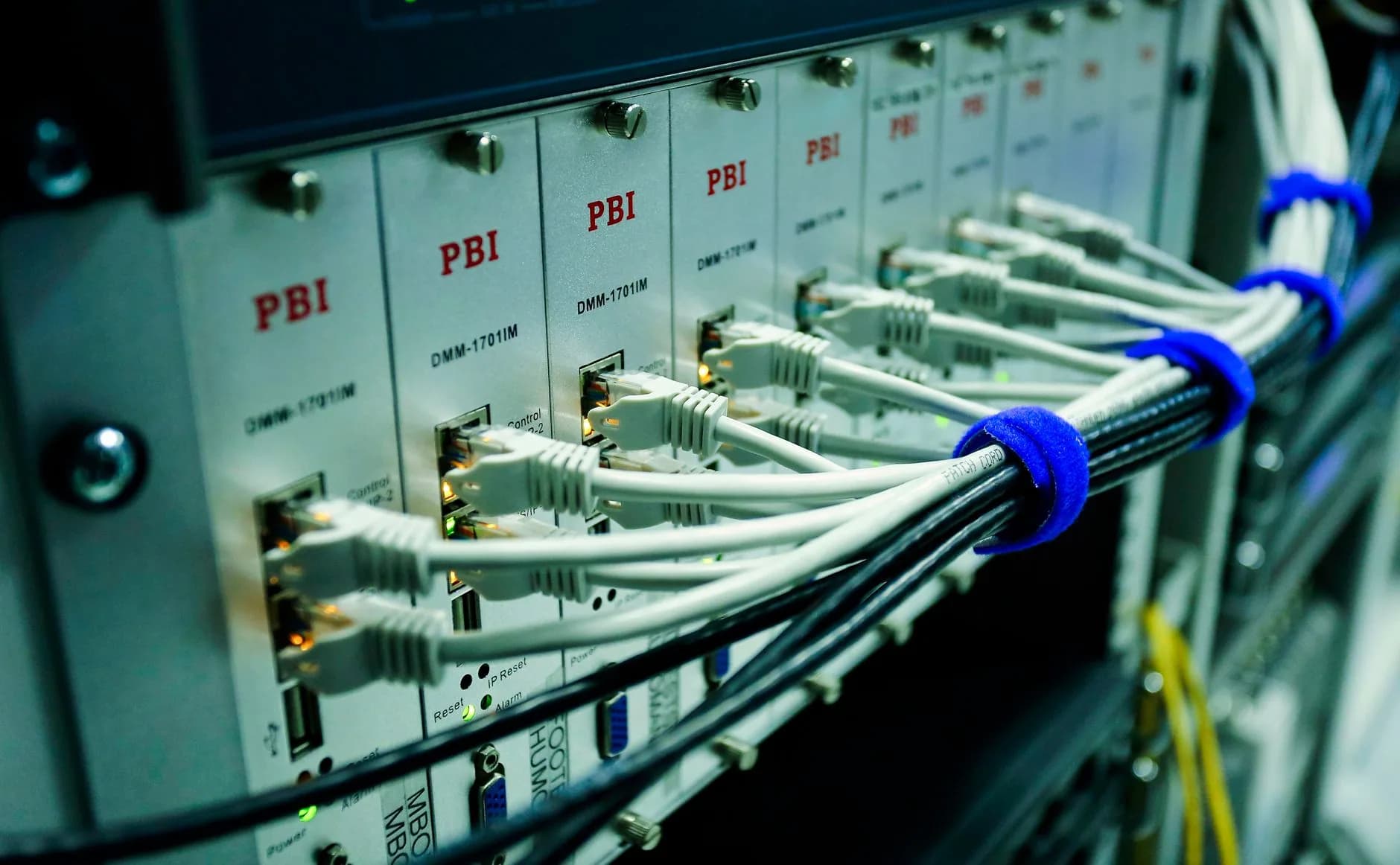
Costed for the person who signs the order
Entries in this file are written to survive contact with a spreadsheet. Where a decision comes down to a number, the number is on the page rather than hidden in a footnote.
Coming off shared hosting or another provider? We move the sites across at no charge, and there is nothing to pay to set the machine up.
- Break-even framed in client accounts
- Real specifications rather than adjectives
- Failure planning you can put in a contract
- Self-managed scope stated plainly
Why Hosting Seller
On every plan, as standard
A break-even you can calculate
Real usage across your client list, not the quotas you sold, is what decides whether metal saves money at all.
Specifications on the page
Processor, memory, disks and monthly bandwidth stated openly, so you can check a workload before you enquire.
The tenancy answer
The single-tenant line that satisfies a client's procurement questionnaire, and the caveat that keeps it true.
Failure planned in advance
RAID and off-machine copies described as a commercial decision rather than as an acronym.
Self-managed, stated up front
What we watch and what you administer, so the standing time cost lands in your pricing instead of your evenings.
Usable from first boot
Hestia installed and AlmaLinux 9 by default, so day one is deployment work rather than running installers.
First Steps
From choosing to live
- 1
Measure real usage, not sold quotas
Pull the actual disk, bandwidth and processor figures across your client accounts. Overselling means the two numbers are nothing alike.
- 2
Check the workload against the specification
Four cores and eight threads, 32 GB of memory and 100 TB a month is a real ceiling. Compare it with your busiest month rather than an average one.
- 3
Agree the recovery expectation in writing
Decide what a failed disk means in hours, tell your clients, and do it before a disk fails and decides on your behalf.
In the Box
Packed with every plan
- One physical machine with nobody else on it
- Root access, with nothing fenced off
- The Hestia control panel already installed
- AlmaLinux 9 by default, other distributions on request
- One dedicated IPv4 address
- Two drives, ready for RAID
- 100 TB of bandwidth a month at 500 Mbps
- DDoS filtering sitting in front of it
- Hardware replacement covered, with remote reboot and rescue mode
- Setup is free, and existing sites move across at no charge
Across the Counter
Things people ask us all the time
How many client accounts justify a machine of my own?
It is a usage profile rather than a number. Measure what your accounts genuinely consume instead of what you sold them, and compare it with four cores, eight threads and 32 GB of memory. If the honest figure would fill several virtual nodes, metal is cheaper. If it fits comfortably inside one, the reseller plan is still winning.
Does owning the machine stop me paying per client account?
It changes the shape of the bill rather than removing it. A reseller plan follows your revenue with a base fee and a charge for each active account; a machine costs the same figure whether you carry five clients or five hundred. That is an advantage only once the client list is dense enough to absorb it.
What can I tell a client who asks whether their data shares hardware?
On a dedicated machine the answer is refreshingly short: one tenant, one machine, and you know exactly who else is on it because nobody is. It is worth quoting in a procurement document and worth being precise about, because it stops being true the moment you sell space on that same box to somebody else.
How quickly is the machine handed over?
Usually inside 24 hours of payment clearing, and often sooner. It is not the instant activation of a shared account because real hardware is being prepared, and what arrives is not a blank box: the operating system and panel are installed and the network is configured, so day one is deployment rather than installation.
Read next
OpenCart Hosting
OpenCart with the database headroom a busy catalogue needs before you promise a client a launch date.
Web Hosting
The wholesale layer under every plan you sell, and what a single account costs you to run.
Moving your site to another host? Start with this checklist.
A step-by-step order of work for a move your visitors never spot: which files to copy first, how to carry email across without losing one message, the right moment to repoint DNS, and the two mistakes behind nearly every hour of downtime people ring us about.
Take the whole machine.
Xeon hardware, full root, Hestia pre-installed and DDoS filtering in front. Setup is free and hardware replacement is covered.
See OpenCart Hosting plans