Client Ops · Mailbox provisioning · 5 minutes
How to create an email account in cPanel — Mailboxes for a Client's Team, Built to Be Handed Over
A client's mail is the one thing they notice within an hour of it being wrong, and the one thing they never quite forgive.
Straight answer first
Create client mailboxes inside that client's own cPanel account so the mail belongs to their domain and moves with them: set a quota with real headroom, use forwarders for role addresses rather than extra passwords, choose IMAP everywhere, and test in both directions before the address is printed on anything.
Below: how to plan an address list that survives staff changes, the quota decision that prevents bounces, and what to hand over so the client's office manager stops emailing you about their phone.
Written by the Hosting Seller staff · Checked 24 August 2026
Beginner
Skill assumed
5
Stages
Free
Advice included
Tested
On the panel you resell
Written for resellers and agencies who create mailboxes for other people's businesses. The five minutes of clicking is not the job; the address plan and the handover note are.
Every decision below is made once per client and then lived with for years, which is why it is worth ten minutes of thought before the first mailbox exists.
Plan the address list once, per client
Real mailboxes for people who reply and need a history. Forwarders for roles — info@, sales@, accounts@ — pointed at whoever answers them today. That split means a staff change is a forwarder edit rather than a password handover and a data migration.
Ask the client for their org chart rather than their wish list. Most requests for twelve mailboxes turn into four mailboxes and eight forwarders once somebody actually draws it out.
Quotas are how you avoid the worst failure
A full mailbox bounces incoming mail, which is the worst way for a client's message to fail: the sender is told, the client is not, and you find out a week later from an irritated third party.
Set quotas with real headroom against the account's storage, and put mailbox usage on whatever you check monthly. Storage counts against the client's plan, so how much people keep matters rather more than how many accounts exist.
IMAP, everywhere, without exception
POP downloads and deletes by default, so a message read on a phone vanishes from the laptop. On a client's team that produces a support call framed as 'the email is broken' when nothing at all is broken.
Use the panel's connect-devices page for exact settings and put IMAP in your onboarding note as policy. It is a one-line rule that removes an entire genre of ticket from your week.
Hand it over so it stops coming back
One short page per client: the addresses, who owns which, the server names and ports, and where webmail lives. Send it at handover and again whenever a new starter joins.
That page is also your defence when a client's IT contractor sets something up incorrectly. What was provided, in writing, is a much better conversation than two people's memory of a phone call.
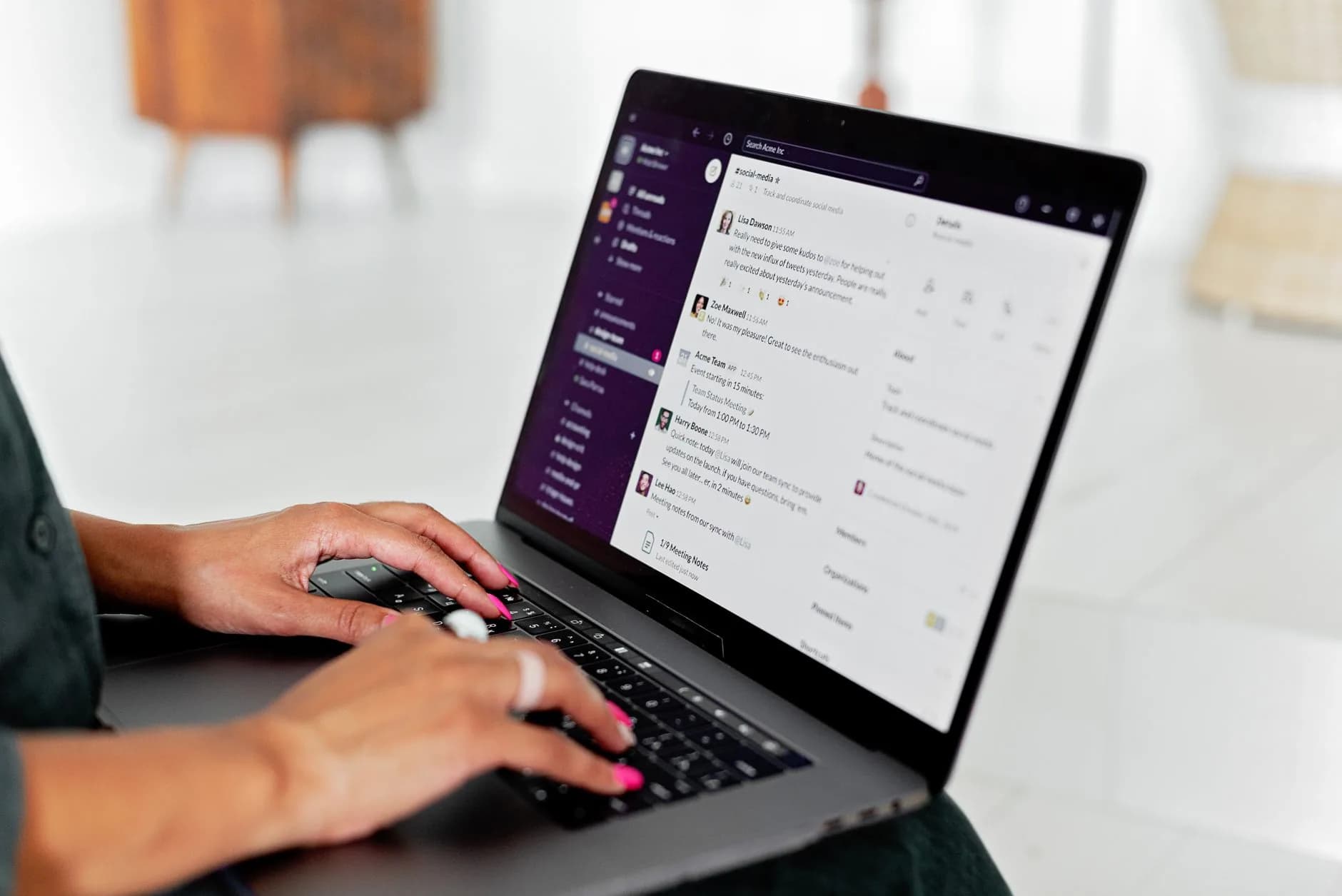
Mail on the accounts you resell
Mailboxes on each client's own domain come with the account, with webmail plus IMAP, POP and SMTP, so mail is part of what you sell rather than an add-on you have to source.
Spam and virus filtering is fitted to every mailbox you create, which means the baseline is the same on the client who asks about it and the client who never will.
- Mailboxes on the client's own domain
- Webmail plus IMAP, POP and SMTP
- Spam and virus filtering on every box
- Standalone email hosting where a site lives elsewhere
Why Hosting Seller
On every plan, as standard
An address plan, not a list
Mailboxes for people, forwarders for roles — the split that survives the client's next staff change.
Bounces prevented by quota
A full mailbox rejects mail silently as far as the client is concerned, which is the worst failure available.
IMAP as policy
One rule removes the 'my phone and laptop disagree' call from your support queue permanently.
Storage watched monthly
Mailbox usage counts against the account, and therefore against the tier you are selling from.
A handover page per client
Settings in writing is both a courtesy and your defence when somebody else reconfigures something.
Mail that moves with the client
Because it sits on their own domain, an eventual handover is clean rather than contentious.
First Steps
From choosing to live
- 1
Confirm the domain is answering here first
Mail follows the MX record. Check delegation and MX before creating a single mailbox, or you will create five that quietly collect nothing at all.
- 2
Create the mailboxes in the client's account
Email Accounts, then Create, inside that client's own cPanel. Let the panel generate the passwords rather than inventing a pattern somebody can guess across your roster.
- 3
Set quotas with headroom
Enough room that nobody bounces, small enough that one person cannot swallow the account's storage. Note the numbers so your monthly check has something to compare against.
- 4
Add role forwarders, not role mailboxes
info@, sales@ and accounts@ pointed at real people. Fewer passwords to look after, and re-pointing them when somebody changes job takes seconds.
- 5
Test both directions, then send the note
Send out to an external address and reply back in. Then send the client the one-page settings note, which is what stops the next three tickets arriving.
In the Box
Packed with every plan
- Mailboxes on each client's own domain, included with the account
- Spam and virus filtering fitted to every mailbox you create
- Webmail in the browser plus IMAP, POP and SMTP for any client
- PHP versions chosen per client site from the panel
- The full WHM panel, with cPanel accounts you create yourself
- Client sites you already host moved across at no charge
- Free SSL on every client site, reissued for you
- LiteSpeed caching running at the server, not bolted on by plugin
- cPanel branded as yours on every client account
- Support answered by people, at any hour of the night
Across the Counter
Things people ask us all the time
Should client mailboxes live on the hosting account or with a mail provider?
On the account when the client's needs are ordinary, because it is included and it keeps everything in one place you administer. With a dedicated provider when they need shared calendars, huge archives or compliance features — and in that case leave MX pointed there and say so in the handover.
How do I stop being the client's IT department for mail?
A written settings note at handover, IMAP as policy, and a stated boundary in the care plan about device support. Most mail tickets are configuration questions somebody could have answered from a page you already wrote.
A client is leaving — how do I hand their mail over cleanly?
Mail lives on their domain, so it moves with the domain. Give them a full copy of the mailboxes, keep the old account running for a week after the MX change, and do it in one pass rather than in instalments.
Do mailbox quotas count against my reseller allocation?
They count against the client account's storage, which comes out of your tier's pool. That is the practical reason to set quotas at all: on an oversold tier, one client archiving everything since 2014 is capacity you meant to sell.
Read next
Joomla Hosting
Joomla client accounts with a one-click install and a free move in.
Domain Names
Register and transfer client domains in one place, year one free with annual hosting.
Moving your site to another host? Start with this checklist.
A step-by-step order of work for a move your visitors never spot: which files to copy first, how to carry email across without losing one message, the right moment to repoint DNS, and the two mistakes behind nearly every hour of downtime people ring us about.
Sell mail as part of the plan.
Mailboxes on the client's own domain, included on every account you create.
See Joomla Hosting plans